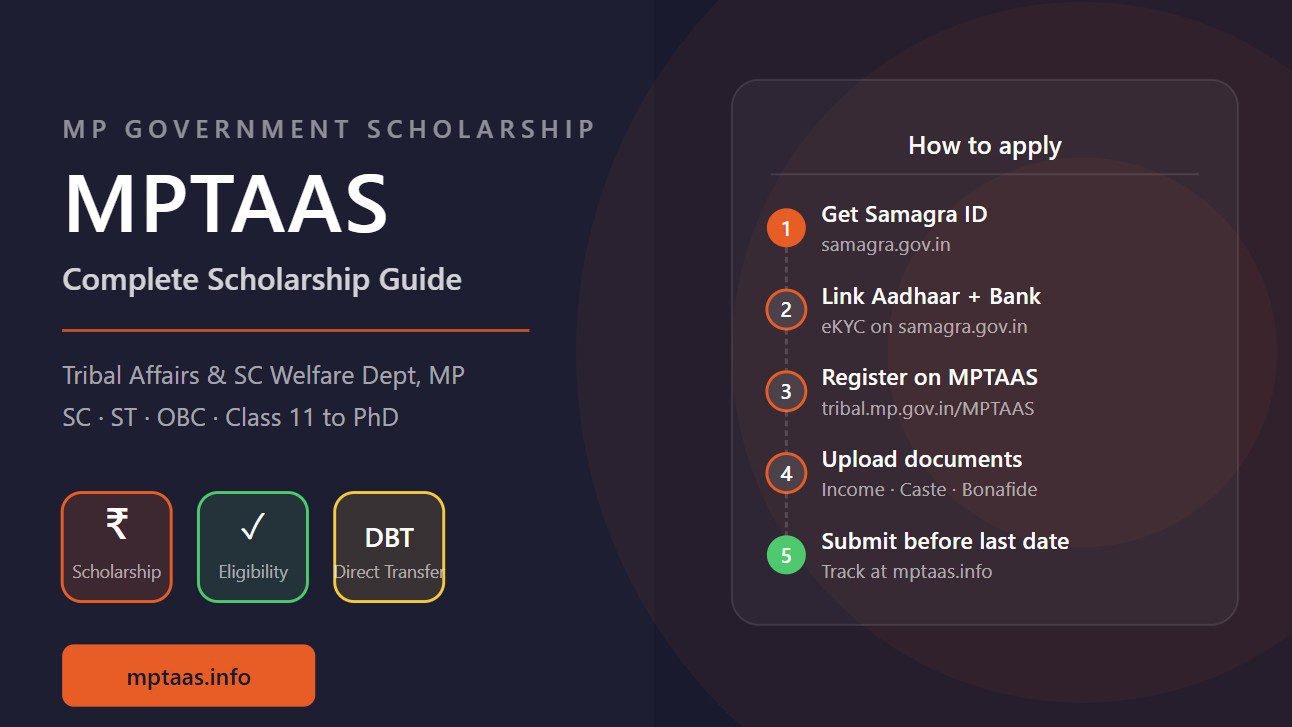
MP scholarship portal not working is a frustrating problem that affects thousands of students every year, especially during peak application season. Whether the issue is with the MPTAAS portal at tribal.mp.gov.in or MP Scholarship Portal 2.0 at scholarshipportal.mp.nic.in, the causes and fixes are similar. This guide covers every common reason the MP scholarship portal stops working and how to fix each one fast.
Which MP Scholarship Portal Are You Using
Before troubleshooting, confirm which portal you need. MPTAAS portal at tribal.mp.gov.in/MPTAAS is for SC, ST, and OBC students applying for post-matric scholarship under the tribal affairs department. MP Scholarship Portal 2.0 at scholarshipportal.mp.nic.in is for OBC and General category students and girl-specific schemes like Gaon Ki Beti. Using the wrong portal is a common reason students cannot find their account or complete registration. For help choosing the right portal see our MPTAAS vs MP Scholarship Portal 2.0 comparison.
MP Scholarship Portal Not Working — Fix 1: Browser Issues
Both MPTAAS and MP Scholarship Portal 2.0 work best on Google Chrome or Mozilla Firefox on desktop. UC Browser, Opera Mini, and older Android browsers frequently cause login loops, blank pages, and form submission failures. Additionally, saved passwords and cached data from previous sessions often cause the portal to load incorrectly.
Fix: Open Google Chrome. Press Ctrl+Shift+Delete, select All Time, check Cached Images and Cookies, and clear. Then try opening the portal again in a fresh window. Alternatively, try Chrome Incognito mode (Ctrl+Shift+N) which uses no cache or saved data.
MP Scholarship Portal Not Opening — Fix 2: Server Down
Both MP scholarship portals go down during high-traffic periods. The MPTAAS portal is particularly unstable during the last week before the application deadline when thousands of students try to submit simultaneously. If the portal shows a 502, 503, or 504 error, or times out completely, the server is the issue — not your device or account.
Fix: Try at off-peak hours — before 10 AM or after 9 PM. Try from a different network (mobile data instead of WiFi). Wait 2 to 4 hours and retry. Take a screenshot of the error with date and time visible as evidence in case a deadline extension is needed. For MPTAAS-specific portal down issues see our guide on MPTAAS portal down.
MP Scholarship Portal Login Not Working — Fix 3: Wrong Credentials
Login failure is one of the most common MP scholarship portal problems. MPTAAS uses your Samagra ID or registered mobile number as User ID — not email or Aadhaar. MP Scholarship Portal 2.0 uses a separate username created during registration. Check your original registration SMS for the correct User ID before attempting a password reset.
Fix: Use the Forgot Password option on the respective portal. For MPTAAS password reset see our MPTAAS password reset guide. For OTP not arriving during reset see our MPTAAS OTP not coming guide.
MP Scholarship Portal Not Working on Mobile — Fix 4
The portals are designed primarily for desktop browsers. On mobile, certain form elements and file upload features do not work correctly in some browsers. If you must use mobile, use Chrome for Android or Safari for iOS and enable desktop site mode. Go to Chrome menu → tick Desktop Site. This forces the portal to load the full desktop version which is more stable for form submission and document upload.
Document Upload Not Working on MP Scholarship Portal
Document upload failures are typically caused by file size exceeding the portal limit (usually 200KB per file), unsupported file format (only JPG and PDF are accepted), or a browser extension blocking the upload. Fix: Compress your images to under 200KB using a free image compressor. Save as JPG or PDF. Disable any ad-blocker or browser extension temporarily. Try uploading in Chrome Incognito mode.
Frequently Asked Questions
Q1: Why is MP scholarship portal not working today?
A: The portal may be down due to server load during peak scholarship season, or you may have a browser cache issue. Try Chrome Incognito mode first. If the portal still does not load, it is likely a server issue — wait 2-4 hours and retry.
Q2: MPTAAS portal not opening — what is the error?
A: 502 or 504 errors mean server overload. A blank page often means browser cache or JavaScript issue. Connection timeout means the server is unreachable. See our MPTAAS portal down guide for specific fixes.
Q3: MP Scholarship Portal 2.0 not loading — how to fix?
A: Clear browser cache in Chrome (Ctrl+Shift+Delete), try Incognito mode, and switch from mobile to desktop. If still not loading, the portal may be under maintenance — check back after 2-4 hours.
Q4: Can I submit MP scholarship application on mobile?
A: Yes but use Chrome for Android in Desktop Site mode. Enable this from Chrome menu → Desktop Site. Desktop mode is more stable for form submission and document upload.
Q5: MP scholarship portal says session expired — what to do?
A: Session expiry happens after prolonged inactivity. Log out completely, close the browser, clear cache, and log back in. Do not leave the application form open for more than 20 minutes without saving.

