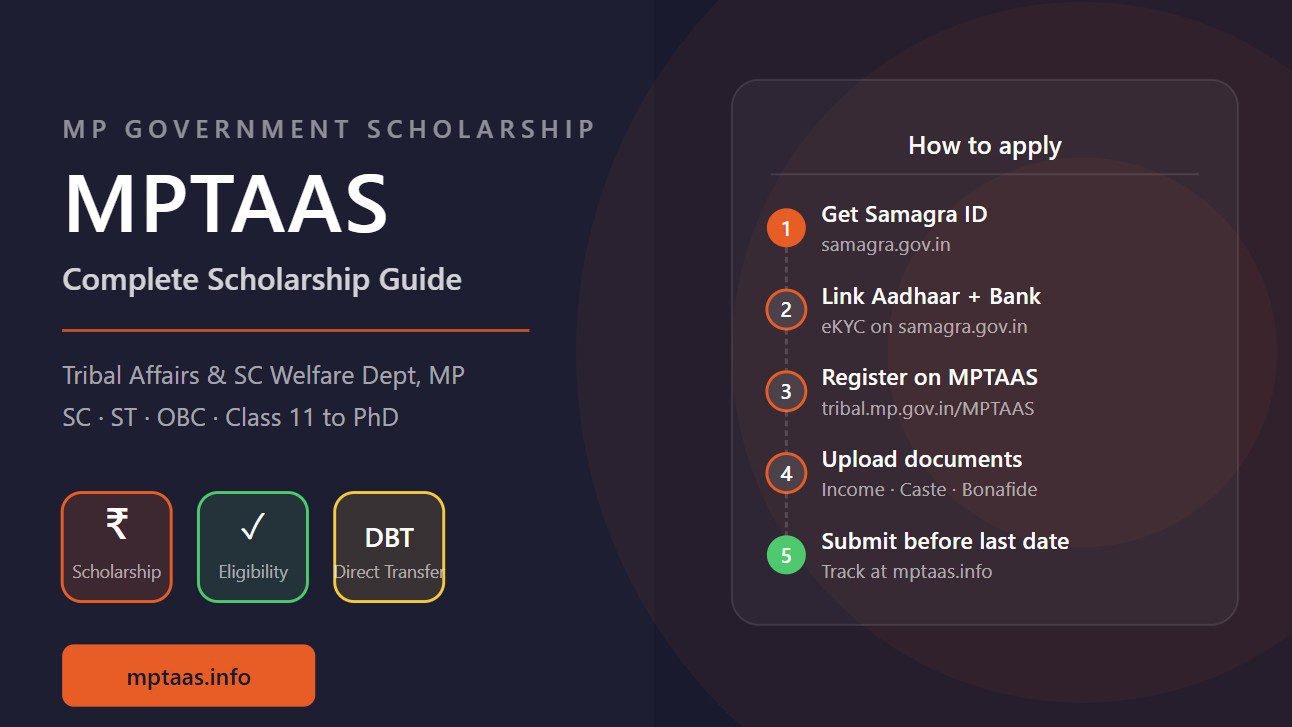
MP scholarship status check without login is possible through multiple methods. Whether you forgot your MPTAAS password, cannot receive the login OTP, or simply want a quick status update, you can track your application and payment without going through the full login process. This guide covers three methods that work for both MPTAAS and MP Scholarship Portal 2.0.
Method 1 — Check MP Scholarship Status Using Samagra ID
The MPTAAS portal at tribal.mp.gov.in/MPTAAS has a public Track Application or Check Status option on the homepage that does not require full login. Enter your 9-digit Samagra member ID and your registered mobile number. Your current application stage appears — Submitted, College Verified, Sanctioned, Payment Processed, or Rejected. This is the fastest method for checking MPTAAS scholarship status without login. If you do not know your Samagra ID, use our Samagra ID finder tool first.
Method 2 — Check MP Scholarship Status Using Application Number
Your MPTAAS application acknowledgment number was sent via SMS when you submitted. Use this number on the MPTAAS portal homepage status checker to see your current stage. MP Scholarship Portal 2.0 at scholarshipportal.mp.nic.in also has a Track Application feature on the homepage where you can enter your application number without login. For a full explanation of what each status means see our MPTAAS application status guide or use our payment status checker tool.
Method 3 — Check Payment Status on PFMS Without Login
PFMS (Public Financial Management System) at pfms.nic.in is the government payment gateway that processes all MPTAAS scholarship transfers. No login is required. Go to pfms.nic.in, click Know Your Payment, select your bank name, enter your bank account number, and submit. PFMS shows all government DBT transfers sent to your account — including MPTAAS scholarship — with dates and whether the transfer was credited or returned. This is the most reliable way to confirm actual payment status independent of the scholarship portal.
What to Do If Status Shows No Record Found
If the public status checker returns no record, there are three possible reasons. Your application was not submitted successfully — check your registered mobile for an acknowledgment SMS. You entered the wrong Samagra ID or application number — verify and try again. Your application was deleted due to a duplicate entry — contact MPTAAS helpline 1800-2333-951 or your college coordinator. For MPTAAS login recovery see our MPTAAS password reset guide.
Frequently Asked Questions
Can I check MP scholarship status without logging in?
Yes. The MPTAAS portal has a public status check option on the homepage where you can enter your Samagra ID or application number without full login. MP Scholarship Portal 2.0 also has a similar track application feature on its homepage.
How do I check MPTAAS status using application number?
Go to tribal.mp.gov.in/MPTAAS and look for Track Application or Check Status on the homepage. Enter your application number or Samagra ID to see the current stage without logging in.
Can I check MPTAAS payment status on PFMS without login?
Yes. Go to pfms.nic.in and click Know Your Payment. Enter your bank account number and bank name — no login required. PFMS shows all government DBT transfers to your account including MPTAAS scholarship.
I forgot my MPTAAS login but need to check status — what to do?
Use the public status check on the MPTAAS portal homepage with your Samagra ID or application number. Alternatively check pfms.nic.in for payment status. For login recovery see our MPTAAS password reset guide.
Which is the most reliable way to check MP scholarship status?
For application stage status, check directly on the respective portal (MPTAAS or Portal 2.0). For payment confirmation, always verify on pfms.nic.in — it shows the actual bank transfer status independent of the scholarship portal.

